
From Blueprints to C++
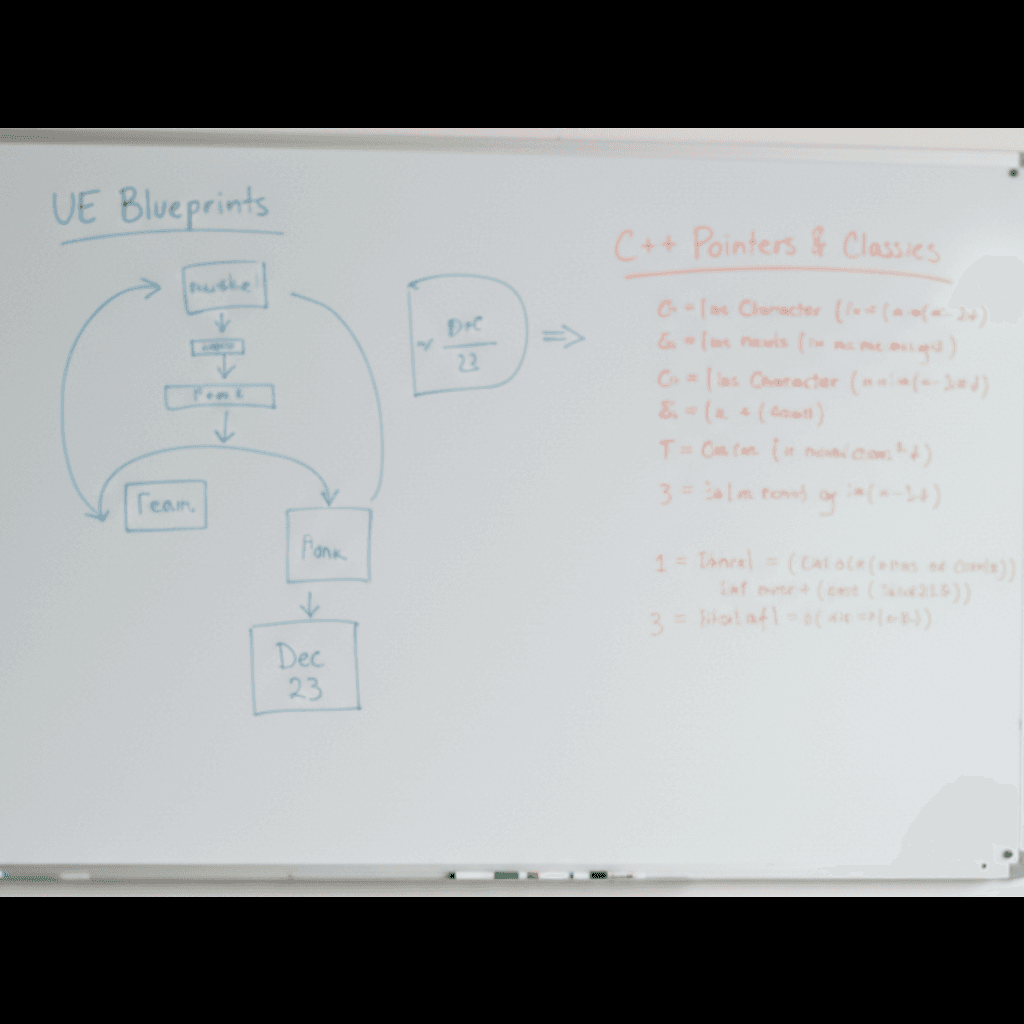
We've all been there. You've spent months (maybe years) getting comfortable with Blueprints. You can whip up a prototype in a weekend, your logic is sound, and you feel like a wizard connecting those nodes. But then, you hit a wall.
Maybe your complex AI loop is tanking your frame rate. Maybe you need to integrate a third-party library that doesn't have a plugin. Or maybe you just looked at a job posting for your dream studio and saw "C++ Required" staring back at you. 😅
It's intimidating. Opening Visual Studio or Rider feels like stepping into the cockpit of a spaceship when you're used to driving a car. The text is dense, the syntax looks alien, and there are no friendly wires showing you where the data is flowing.
But here is the honest truth: If you know Blueprints, you already know the logic of C++. You just need to learn the vocabulary. At GameReady, we see students make this jump every day. It's not about relearning how to think; it's about translating what you already know into a language the computer understands even better. Let's break down how to learn C++ without losing your mind.
Unreal C++ is NOT Standard C++ (And That's Good News)
One of the biggest mistakes we see intermediate developers make is buying a generic "Learn C++" textbook that focuses on console applications, manual memory management, and 1990s syntax. While that's great for computer science theory, it's not how to learn Unreal Engine development effectively.
Unreal Engine uses its own "flavor" of C++. It has a massive framework built on top of standard C++ that handles the scary stuff for you. You know how you rarely worry about memory leaks in Blueprints? That's because Unreal has a Garbage Collection system. Guess what? That system works in Unreal C++ too.
You don't need to manually delete every object you create. You don't need to write your own string classes. Unreal provides these tools for you.
When people ask us how to learn Unreal Engine 5 C++, we tell them to focus on the Unreal macros first. These are the magic words that start with U or A, like AActor, UPROPERTY, and UFUNCTION.
Think of these macros as the bridge between code and the Editor. When you write UPROPERTY(EditAnywhere), you are literally telling the engine, "Hey, please show this variable in the Details panel just like a Blueprint variable." Once you realize the code is just a text-based version of the Details panel, it becomes much less frightening. 🎮
The Hybrid Workflow: Don't Ditch Your Blueprints
There is a weird gatekeeping myth in game dev that "real" programmers don't use Blueprints. That is absolute nonsense. If you look at the source code of major AAA games (like Fortnite), you will see a massive mix of C++ and Blueprints working together.
Learning C++ doesn't mean you stop using the visual editor. In fact, the best way to learn is to create a "Hybrid Workflow."
Here is a practical exercise:
- Take a Blueprint actor you've already made (like a door or a simple enemy).
- Create a new C++ class that inherits from AActor.
- Recreate only the variables in C++.
- Reparent your Blueprint to use your new C++ class as its parent.
Now, you have a C++ class holding the data, and a Blueprint handling the visuals and simple logic. This is the "Gold Tier" standard. We use C++ for the heavy lifting (math, complex systems, networking) and Blueprints for the things that designers need to tweak (references to meshes, sound cues, particle colors).
If you are figuring out how to learn Unreal Engine from scratch regarding code, start by moving your variables first, then your functions, and finally your complex event graphs. It's a slow migration, not a sudden switch.
Reading the API (The Skill That Matters Most)
Okay, this part isn't sexy, but it's the secret weapon of every senior developer. You need to get comfortable reading the Unreal Engine API documentation and, more importantly, the existing source code.
In Blueprints, you search for a node, and the Context Menu filters out things that don't fit. In C++, you don't have that safety net. You need to know what functions are available on your character or actor.
The trick? Ctrl+Click.
If you are using an IDE like Visual Studio or Rider (we highly recommend Rider for Unreal, by the way), you can Ctrl+Click on any built-in Unreal class like ACharacter. It will take you to the actual code Epic Games wrote.
Read it! Seriously. You will see how Epic programmed the jump function, how they handle movement, and how they declare variables. It is the ultimate cheat sheet. You aren't just looking up syntax; you are looking up the architecture of the engine itself.
Many students get stuck asking how to learn Unreal Engine C++ because they rely too heavily on YouTube tutorials that become outdated. The source code never lies. If you can learn to read the engine code, you become bulletproof against updates.
Embracing the Compile Time
There is one reality check we have to give you: C++ is slower to iterate than Blueprints. In BP, you drag a wire, hit Play, and it works. In C++, you write code, compile (which can take anywhere from seconds to minutes depending on your PC), and then hit Play.
This forces you to change your habits. You can't just "guess and check" as easily as you do in Blueprints. You have to be more intentional.
We recommend using "Live Coding" (a feature in UE5) for small changes in functions, but for header file changes (like adding new variables), you'll need to close the editor and compile from your IDE.
It feels clunky at first. You might miss the instant gratification of Blueprints. But the trade-off is raw power and stability. Plus, it teaches you to structure your logic better before you even touch the keyboard.
Don't let the compiler errors discourage you. 90% of C++ development is reading a red error message, realizing you forgot a semicolon or an include file, and fixing it. It happens to the pros at Epic, and it will happen to you. It's part of the process! 😊
Quick Recap: Your C++ Roadmap
If you're ready to dive in, here is the checklist to keep you on track:
- Don't start from zero: Leverage your Blueprint knowledge. BeginPlay is the same in C++ as it is in nodes.
- Master the Macros: Learn UPROPERTY, UFUNCTION, and UCLASS inside and out. These are your primary tools.
- The Hybrid approach is King: Build base classes in C++, and extend them with Blueprints for visual tweaking.
- Read the Source: Ctrl+Click into engine classes to see how Epic did it. Copy their style.
- Be patient with the compiler: It takes longer to check your work, so plan your code logic before you type.
Ready to Level Up?
Transitioning to C++ is the single biggest step you can take to move from a hobbyist to a professional developer. It opens up the ability to modify the engine, optimize performance, and work on large-scale team projects.
It's challenging, but you don't have to do it alone. At GameReady, we specialize in getting developers over that "intermediate hump" with live mentorship and code reviews.
If you're struggling to translate a specific mechanic or just want someone to review your first C++ class, why not jump into a free trial lesson? We can look at your code together and debug those compile errors in real-time.
You've got the logic. Now let's give you the language. 🚀
Want to master this yourself?
Book your trial lesson and pick up the techniques in this article hands-on with an instructor.