Can You Learn Game Development from YouTube?

We've all been there. You have this incredible idea for a game, maybe it's the next big RPG or a cozy farming sim, and you're itching to start. So, you open a new tab and type "how to make a video game youtube" into the search bar.
Suddenly, you're hit with millions of results. There are 10-minute tutorials promising to teach you C++, hour-long speed-builds, and flashy thumbnails of people making Grand Theft Auto clones in a week. It's exciting, but it's also paralyzing. Is it actually possible to learn?
The short answer is: Yes, but you have to be careful. YouTube is a massive library of knowledge, but it's also a maze without a map. At GameReady, we see a lot of students who come to us after spending months watching videos, yet they still struggle to build a basic mechanic on their own. Let's break down why that happens and how you can use YouTube without getting stuck. 🎮
The Magic of Free Knowledge
Let's be real. YouTube is amazing. Ten years ago, if you wanted to learn game engines like Unreal or Unity, you had to buy expensive books or dig through dense technical manuals. Now, you can watch a "how to make a video game for beginners" series for absolutely free.
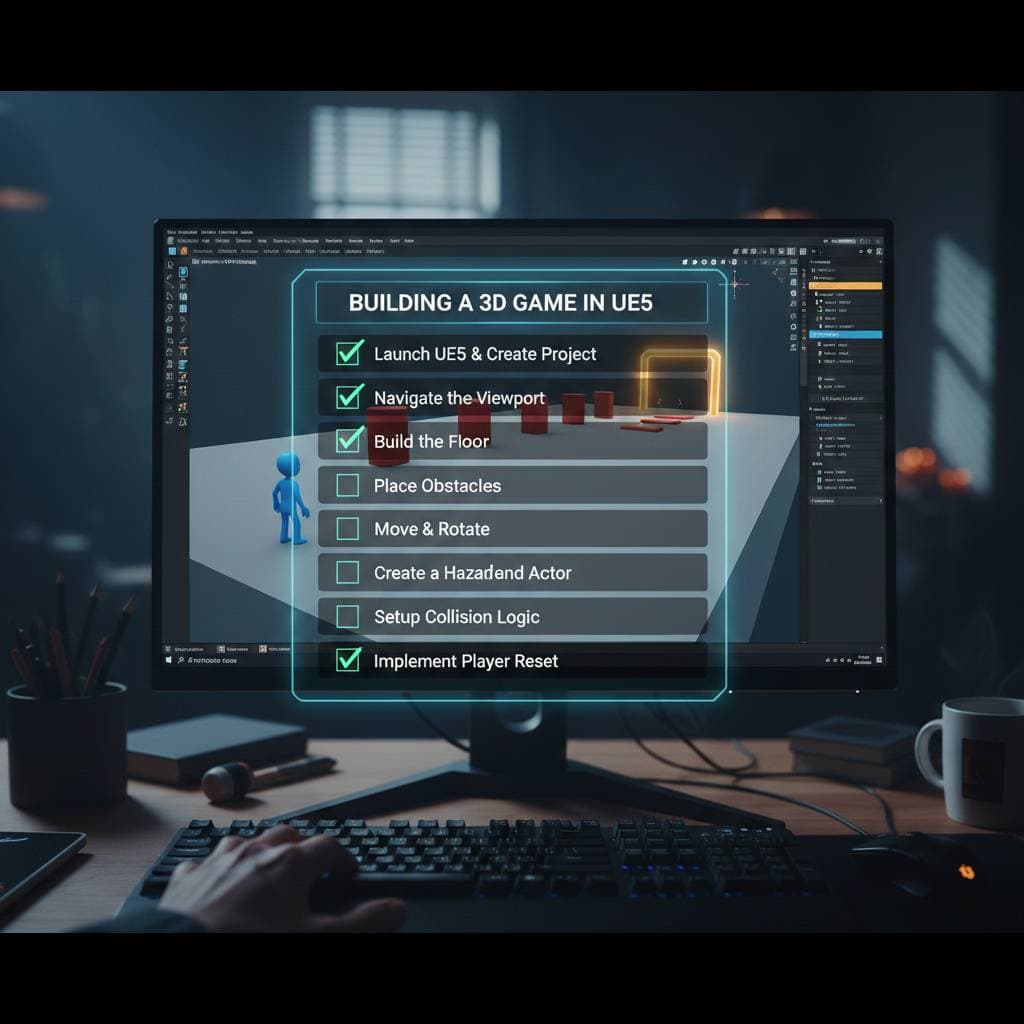
For visual learners, this is a game-changer. Seeing exactly where a developer clicks, how they organize their Blueprints, or how they set up their lighting is often way more helpful than reading about it. If you run into a specific error message, chances are high that someone has uploaded a 30-second clip showing exactly how to fix it.
YouTube is also incredible for inspiration. Watching devlogs (development logs) can keep you motivated. Seeing other beginners struggle and succeed reminds you that you aren't alone in this journey. It humanizes the process and makes the impossible task of building a world feel a little more doable. 😊
The Danger of "Tutorial Hell"
Here is the biggest trap we see at our training center: Tutorial Hell.
This happens when you watch a tutorial, follow along perfectly, and get the result you wanted. You feel great! You feel like a developer! But then, you close the video and try to add one tiny feature on your own... and your mind goes blank.
You realize you didn't actually learn how to code that mechanic; you just learned how to type what the person in the video typed.
When you rely entirely on a "how to make a video game you tube video" to guide your hand, you are essentially painting by numbers. You get a pretty picture at the end, but you don't know how to paint on a blank canvas. You aren't learning the logic, the architecture, or the "why" behind the decisions.
Plus, video games are complex systems. A YouTuber might show you a quick way to make a door open, but they might not explain that their method will break your save system three months from now.
Content Creators vs. Educators
It's important to remember that not everyone making tutorials is a teacher. Many are content creators. Their goal is often to get views, likes, and subscribers. This means they are incentivized to make things look easy, fast, and exciting.
Creators who focus on "how to make video game youtube videos" are often optimizing for the algorithm, not your long-term education. They might skip over boring but crucial best practices-like code optimization, file organization, or proper version control-because those things make people click away.
At GameReady, being an Epic Games Gold Tier training center means we have to adhere to strict educational standards. We have to teach the boring stuff because that's what actually makes your game work. A YouTuber doesn't have that responsibility. They can teach you "spaghetti code" (messy, unorganized logic) that works for a 5-minute video but will turn into a nightmare if you try to build a full game on top of it.
The Version Mismatch Nightmare
Technology moves fast. Unreal Engine 5 is significantly different from Unreal Engine 4. Even small updates like 5.1 to 5.3 can move buttons, change node names, or deprecate entire features.
YouTube search results rarely filter by "current validity." You might find the perfect tutorial for an inventory system, spend three hours following it, and then realize it relies on a feature that was removed in 2022. 😩
This is incredibly frustrating for beginners. When you are learning from a structured course or a live instructor, the curriculum is updated. On YouTube, you are often acting as a digital archaeologist, trying to piece together information from different eras of software development.
How to Actually Use YouTube Effectively
So, should you ban YouTube? Absolutely not! You just need to change how you use it. Think of YouTube as a reference library, not a university degree.
1. The "Pause and Predict" Method When you are watching a tutorial, don't just blindly copy. Pause the video before the creator writes the code. Ask yourself, "How would I solve this?" Try to write it yourself first. Even if you fail, the act of trying forces your brain to engage with the logic.
2. The 20% Rule Never copy a tutorial 100%. Always change at least 20% of it. If the tutorial shows you how to make a fireball, try to make an ice ball that slows the enemy down. This forces you to understand the underlying mechanics well enough to modify them.
3. Check the Dates Before you commit to a long series, check the upload date. If it's more than a year or two old, check the comments. Usually, a kind soul will post a comment like "This doesn't work in UE5, here is the fix."
4. Mix Sources Don't rely on one YouTuber for everything. If you are looking for "how to make a video game for beginners", watch three different creators tackle the same topic. You'll start to see patterns in how they solve problems, which helps you understand the core concepts rather than just memorizing one person's coding style.
Recap: The Verdict
YouTube is a tool, and like any tool in game development, it can build things or break things depending on how you hold it.
- The Good: Free access, visual learning, great for specific bug fixes, and endless inspiration.
- The Bad: "Tutorial Hell" (copying without learning), outdated information, and bad coding habits from creators who prioritize views over best practices.
- The Strategy: Use it for reference, not a curriculum. Always modify what you learn. Check the dates!
Ready to Level Up?
If you're tired of piecing together your education from random videos and want a clear, structured path, we're here to help.
At GameReady, we don't just show you which buttons to press; we teach you how to think like a developer. As an Epic Games Gold Tier training center, we bridge the gap between "watching" and "doing."
You don't have to take our word for it, though. Come hang out with us for a free trial lesson. We'll help you set up your environment, explain the basics of the engine, and give you a roadmap that goes way deeper than a YouTube playlist ever could.
Let's turn that dream game into a playable reality. 🚀
Want to master this yourself?
Book your trial lesson and pick up the techniques in this article hands-on with an instructor.